Compatibility:OS X 10.10 or later, 64-bit processor
Version2.12
Updated
CategoryProductivity
LicenseFree
About OmniFocus Pro
OmniFocus helps you manage your tasks the way that you want, freeing you to focus your attention on the things that matter to you most.
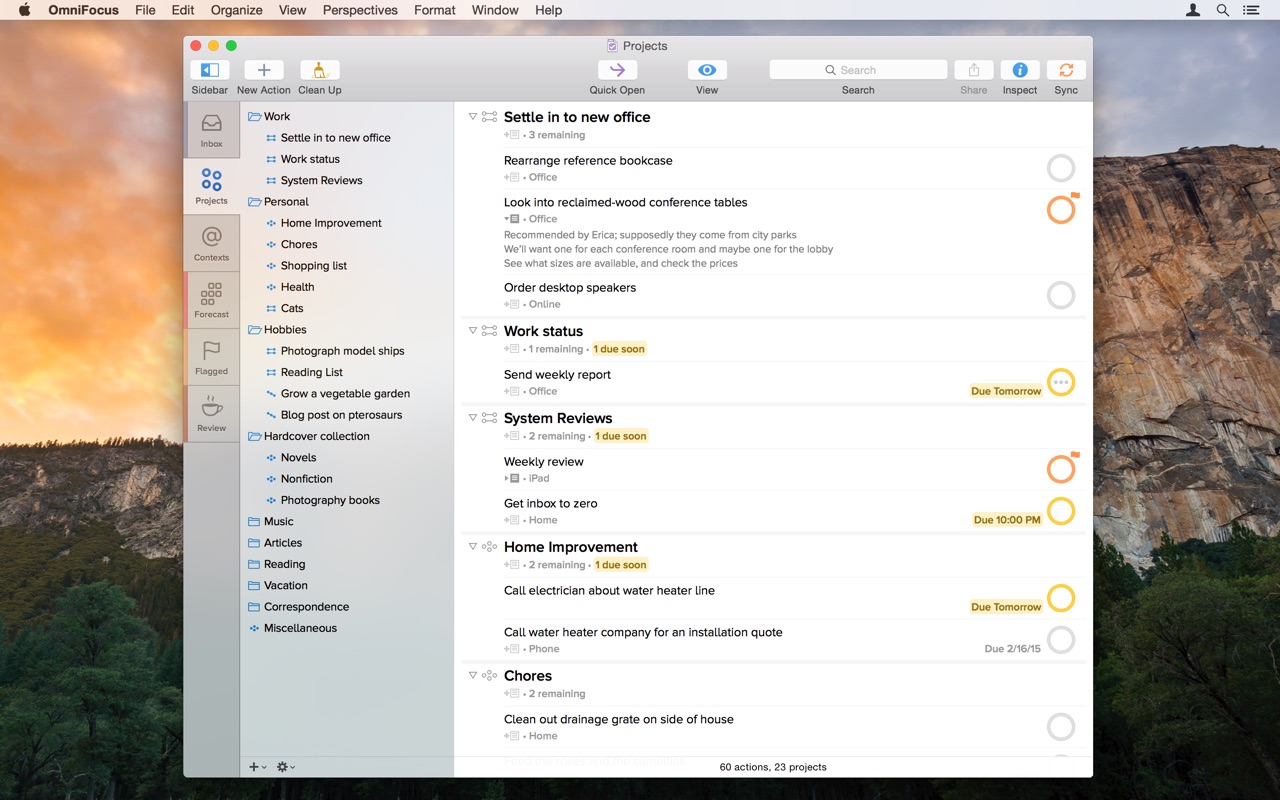
Capturing tasks and ideas is always a keyboard shortcut away in OmniFocus 2. Clip data from Mail, Safari, Messages, or third-party apps. Bring up Quick Entry to file away an idea before it drifts away; it's always at your fingertips, waiting for more.
Screenshots
OmniFocus Pro
What’s new
Version 2.1
•OmniFocus 2.22 for iOS and 2.12 for Mac add limited compatibility with test builds of OmniFocus 3, available later in 2018. These versions of OmniFocus can calculate the next repeat for the more complicated repeat rules coming in v3, but those rules cannot be edited.
•Database Format - Once all your devices are running OmniFocus 2.12 for Mac or OmniFocus 2.22 for iOS (or later), you’ll be prompted to migrate to a new database format. More information on migration can be found here: https://support.omnigroup.com/omnifocus-database-migration/
•OmniFocus 3 compatibility - OmniFocus 2.12 can calculate the next repeat for rules like "Every first Friday of the Month" that can be set in test builds of OmniFocus 3 (coming soon). However, these rules can’t be edited and you’ll be warned before making changes.
•Repeating items - When completing a "Due again" or "Defer another" item ahead of time, OmniFocus is smarter about creating the next instance (we no longer create the instance with the same defer/due date as the one just completed).
•AppleScript - The completed property of a task is now read-only. The date completed property is still marked read-write in the terminology, but is only mutable in order to backdate an already completed task. Added mark complete and mark incomplete verbs and next defer date and next due date read-only properties.
•Documentation - Updated the in-app help.
•Single Action Lists - "Complete when completing last item" is now disabled, as parallel projects are the appropriate way to model a group of actions that all make progress towards a specific goal. If a repeating Single Action List is encountered with this option set, it is converted to a Parallel project upon repeat.
•AppleScript - Fixed a hang when setting the status of a project to done.